 Crystal Booth
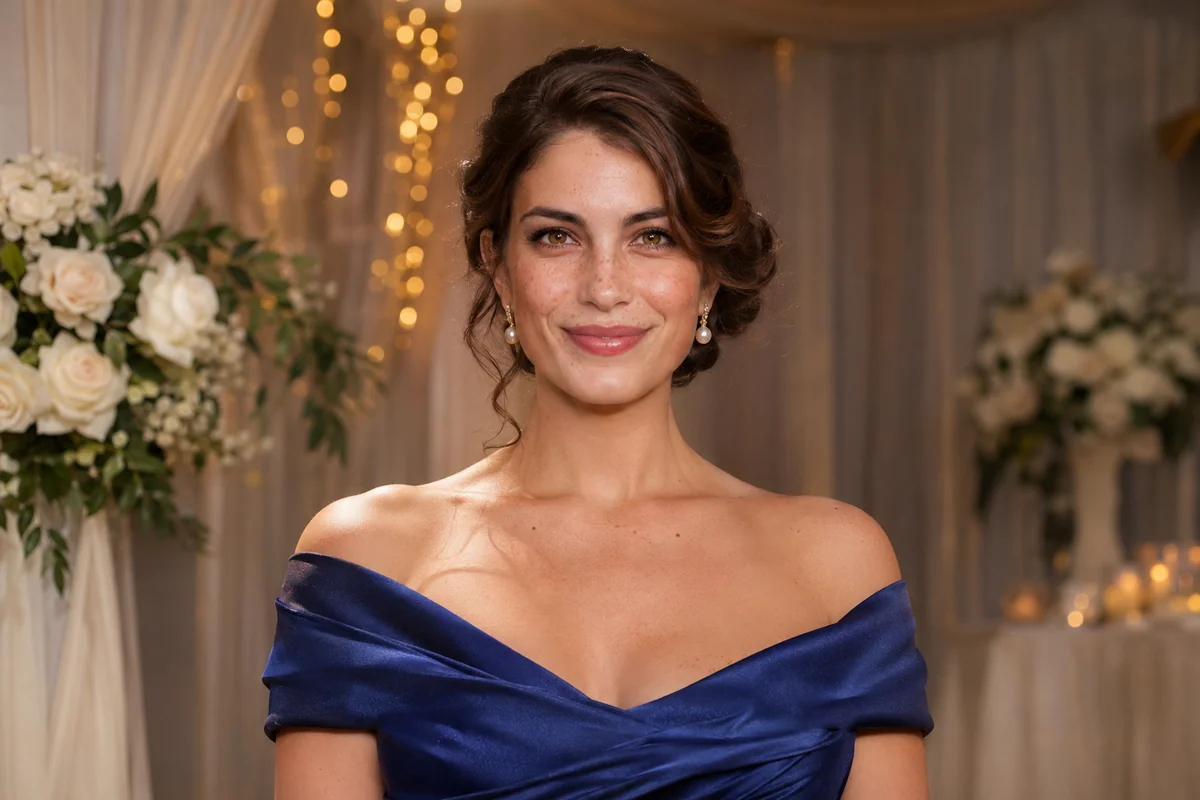
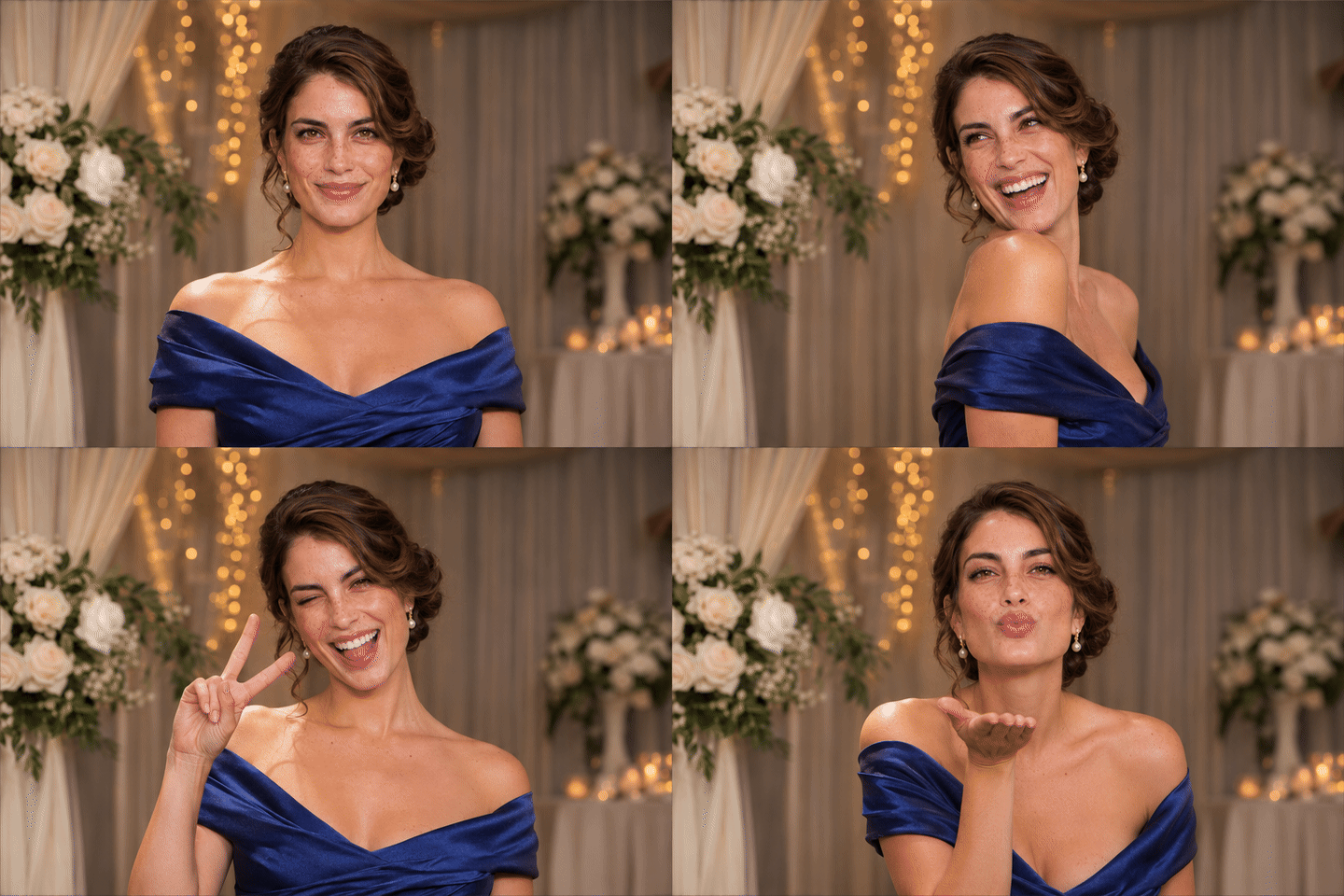
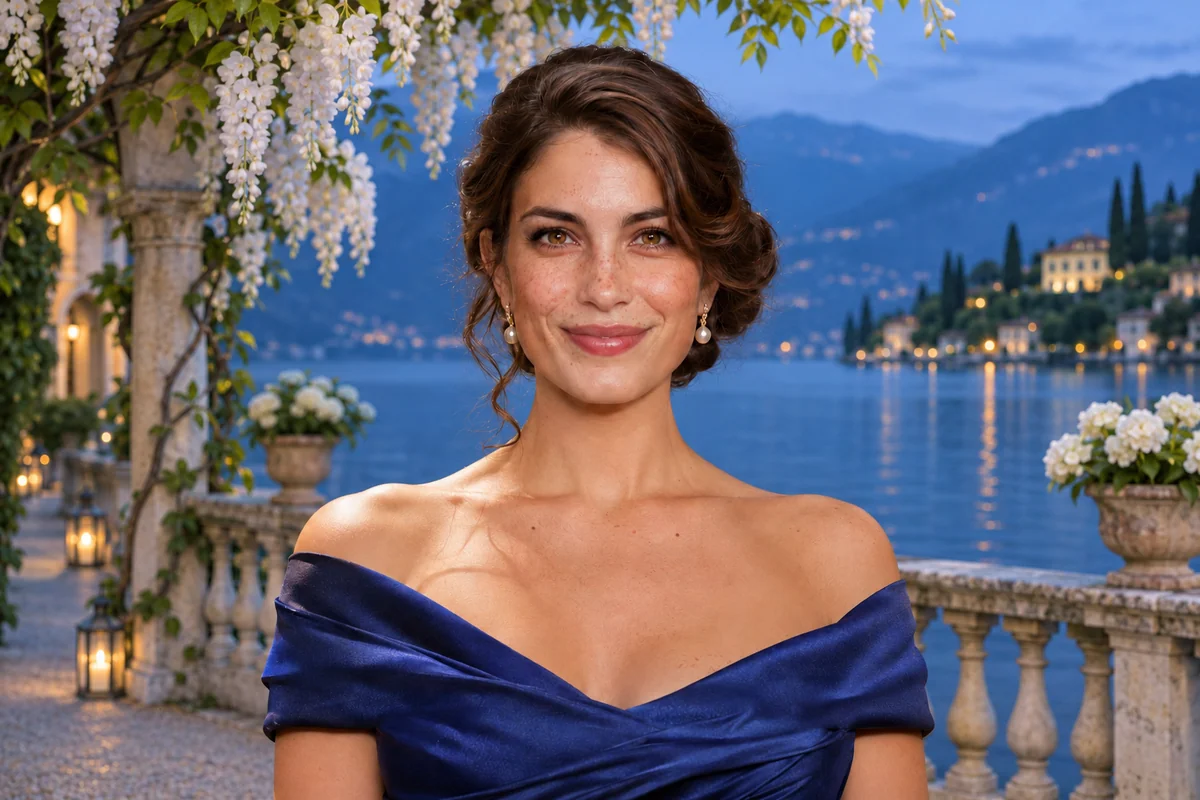
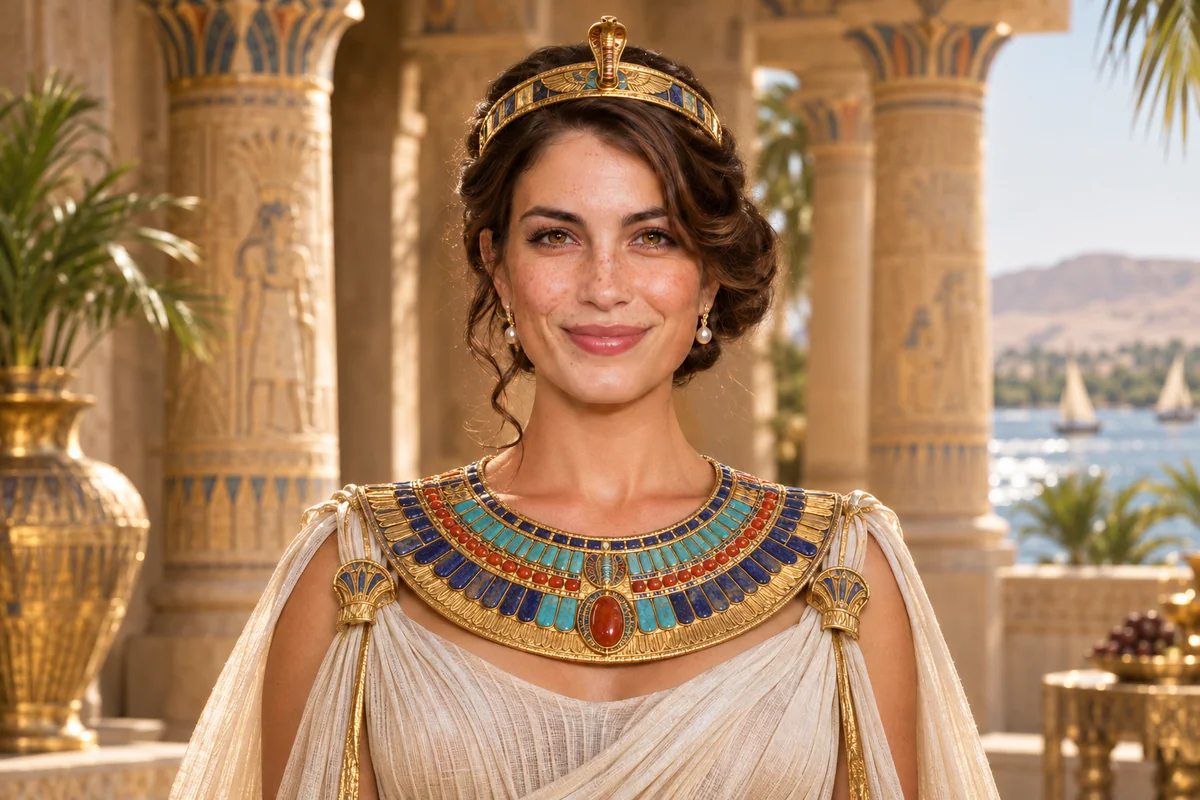
 Open sample gallery
AI portrait styles
Set up a look for the event before guests arrive. At the booth, a guest poses for the camera and chooses a style for their portrait.
Turn a webcam or compatible Canon DSLR into a photo booth. Guests can print a portrait, pose for a GIF, or try a new background or an AI look. A QR code opens their photos on their phone.
14-day demo · One licence covers up to two computers
Classic photo · GIF · Background removal · AI portrait
Crystal Booth
Pick a step to see the result.
Set up a look for the event before guests arrive. At the booth, a guest poses for the camera and chooses a style for their portrait.
Choose a model and add reference images to a preset. With an active licence, you can test a portrait on the venue’s connection before guests arrive.
Print a single portrait or a three-frame strip. For a wedding, add the couple’s names and the date to the layout.
Guests strike a few poses. The booth turns the photos into a looping GIF.
Use the client’s colours on the guest screens and their artwork in the photo layout. Save that look as an event theme.
Give guests a print at the booth or let them scan a QR code to open the event gallery. Each event has its own gallery.